Inside the Trezor Safe 7: Examining its hardware with Micro CT imaging
I recently bought a Trezor Safe 7 directly from the official Trezor website. After reading about hardware implants found in Ledger wallets I wanted to take a closer look inside mine.
A hardware wallet is a small device that stores the private keys needed to spend your cryptocurrency. Keeping those keys off your computer makes it much harder for someone to steal your funds even if your computer gets infected with malware.
When you create a wallet you're also given a recovery seed phrase. This is a list of words that lets you restore your wallet if the device is lost or damaged. Anyone who gets hold of those words can steal your cryptocurrency without needing access to the device.
Recently some Ledger wallets sold through resellers were found to contain hidden implants that let attackers read what appeared on the screen including the recovery phrase. Researchers estimate that the attack led to nearly $100 million in stolen cryptocurrency.
I bought mine directly from Trezor so I don't expect it to have been modified. I still wanted to look inside and check for anything that shouldn't be there.
Getting the Trezor scanned
I reached out to Surface Science Western at Western University in London, Ontario, Canada. Ivan Barker was more than happy to help examine the device using their ZEISS Xradia 410 Versa X-ray microscope.
I originally wanted a full 3D scan of the Trezor. Ivan recommended taking 2D X-rays from different angles instead because a 3D scan would be expensive and could take the entire day. Changing the angle would help us see components that overlapped. I mainly wanted to see the board and check for additional hardware so we went with his recommendation.
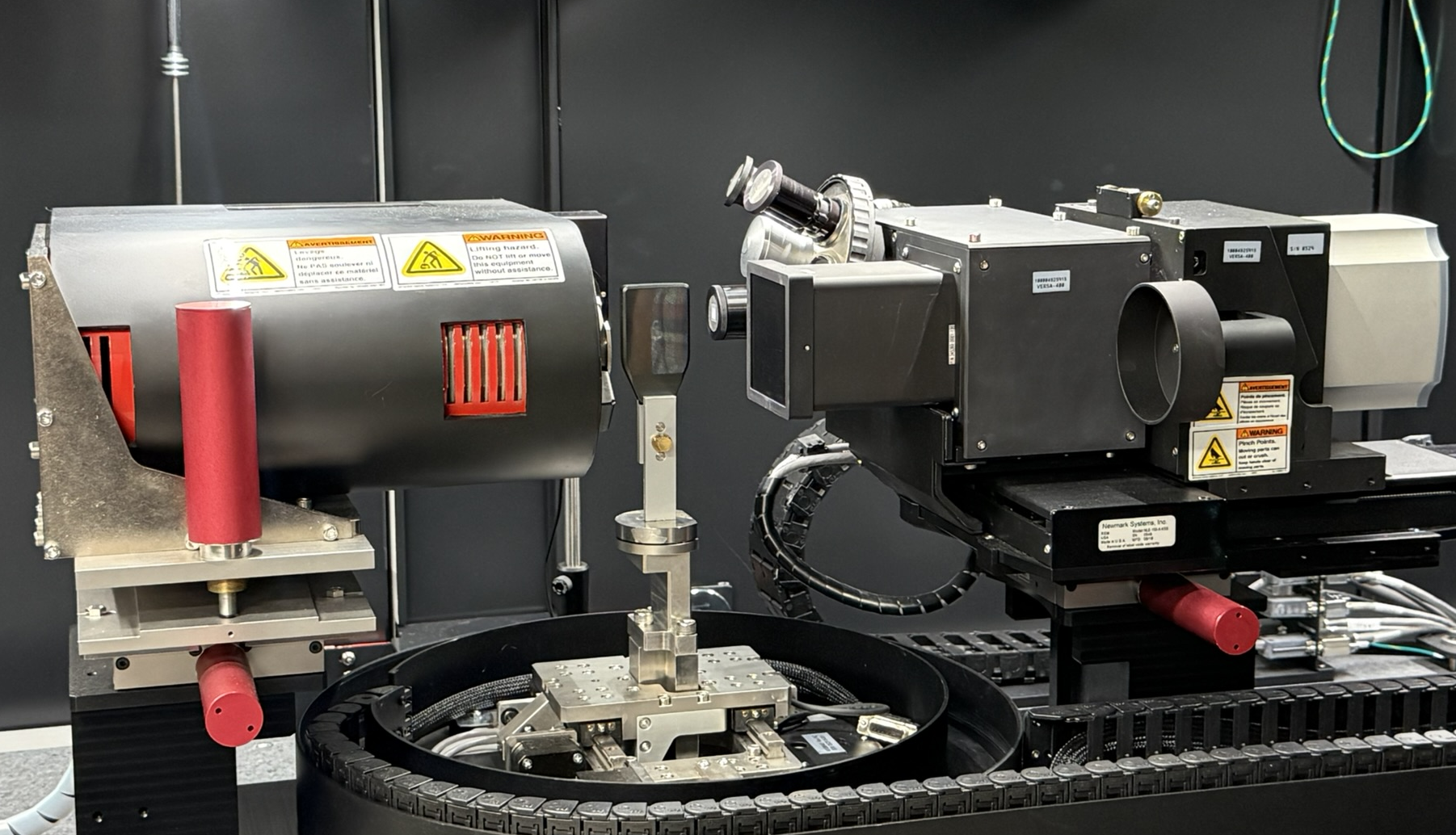
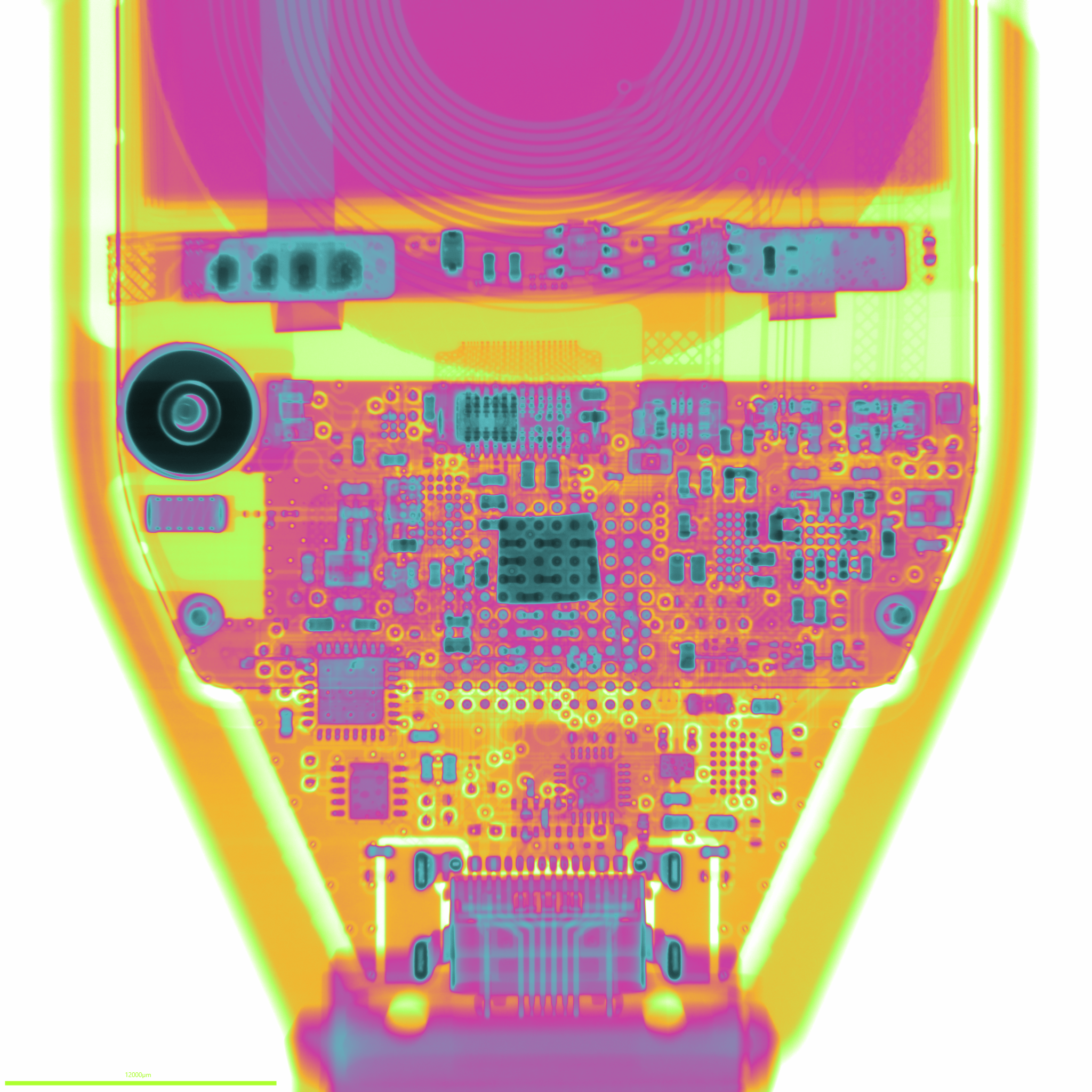
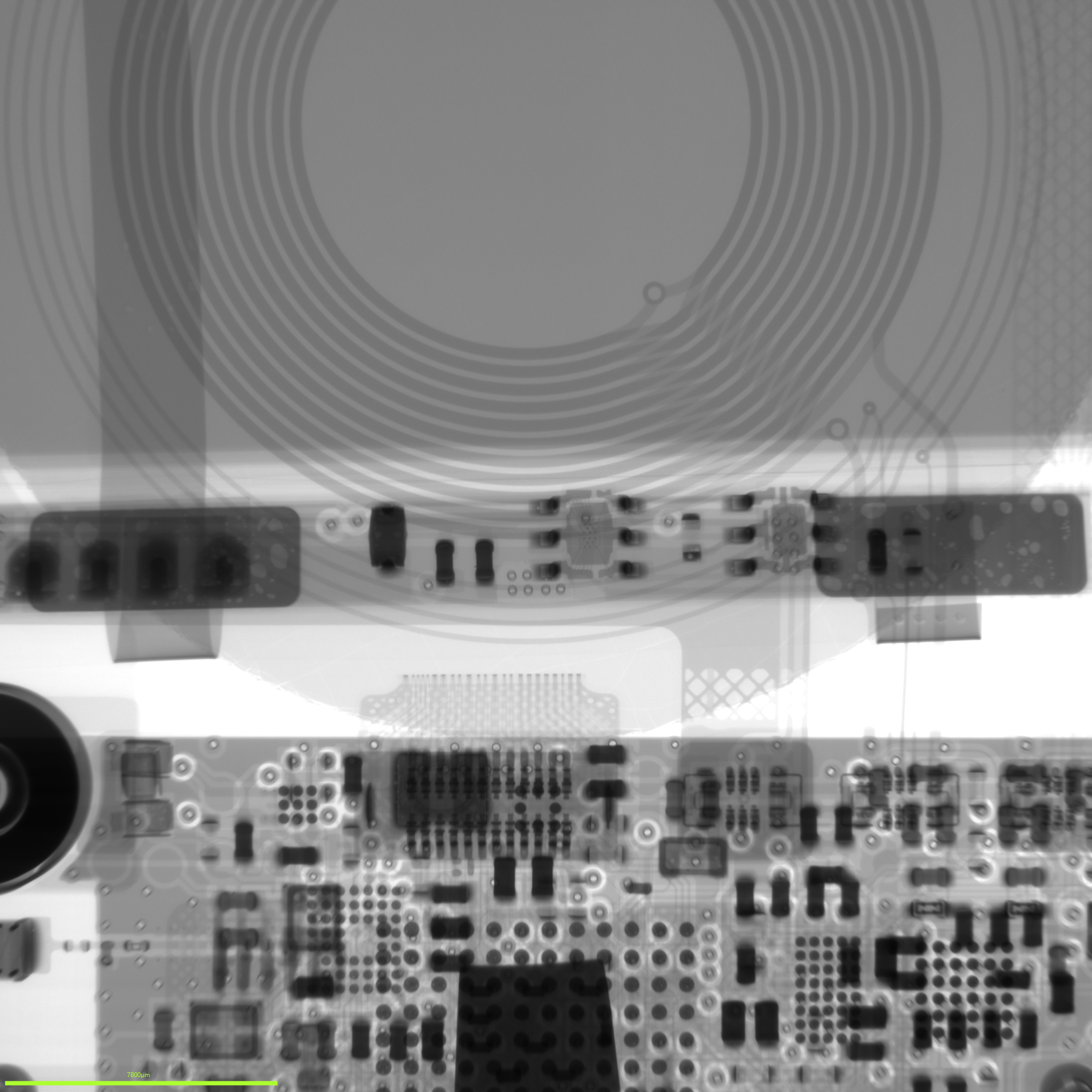
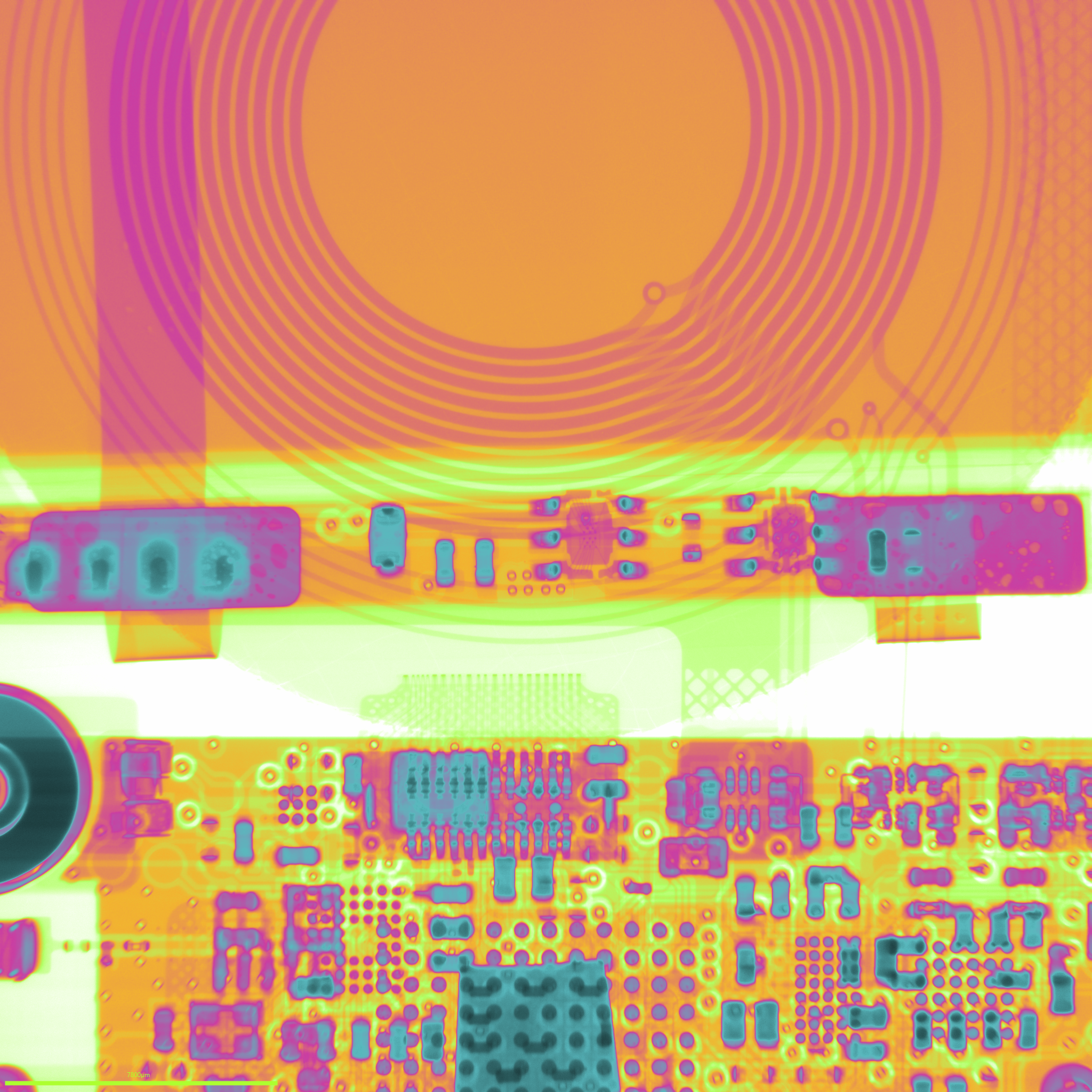
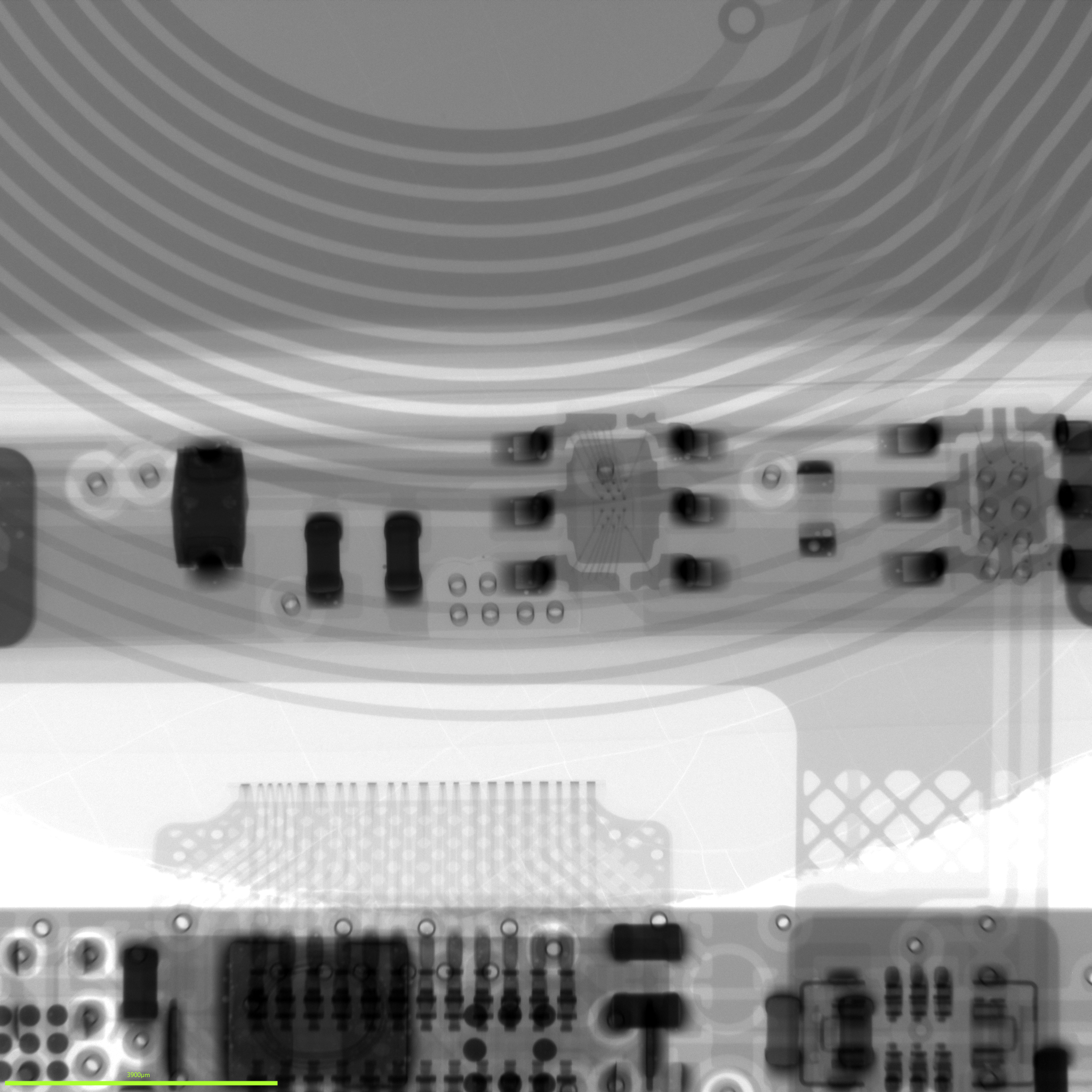
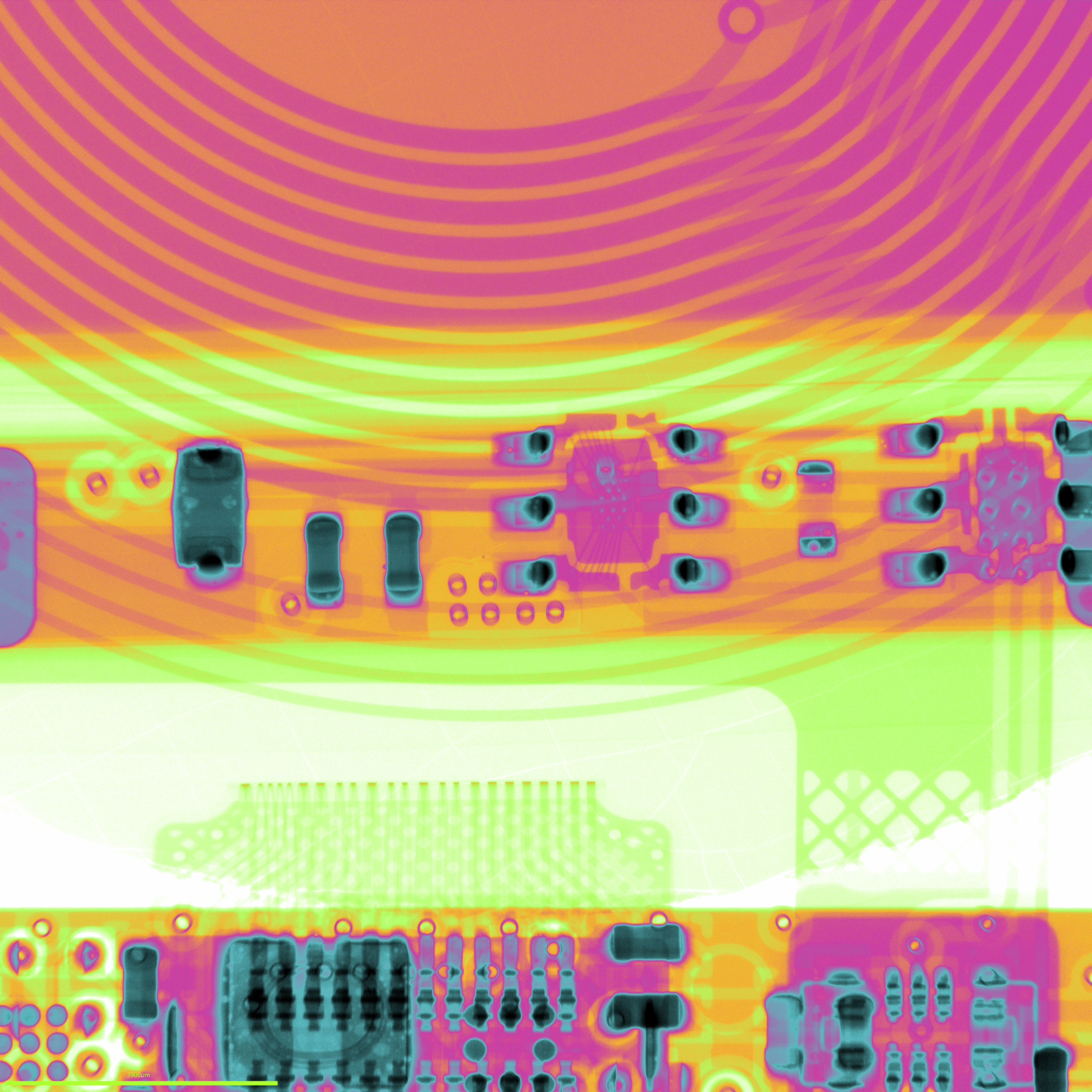
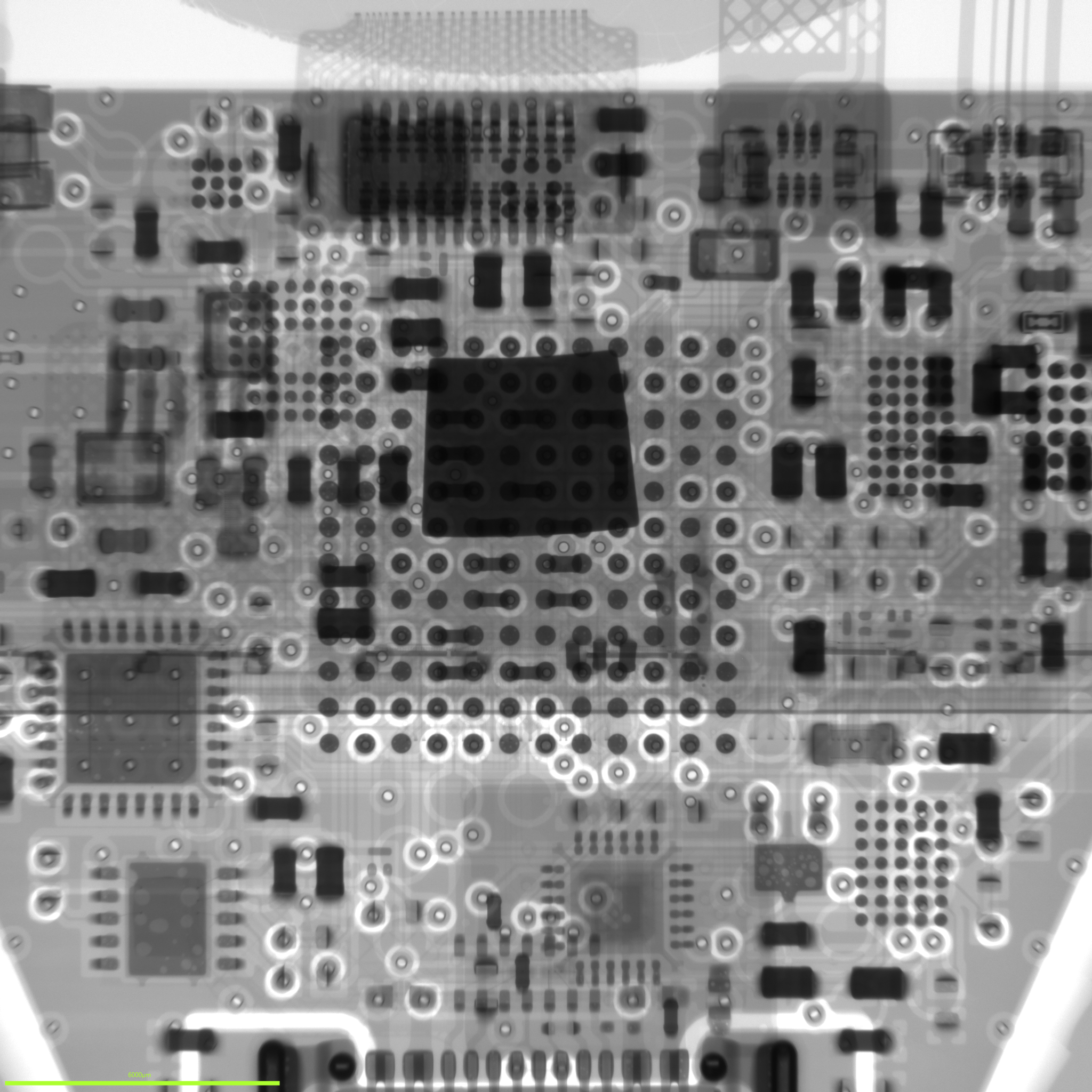
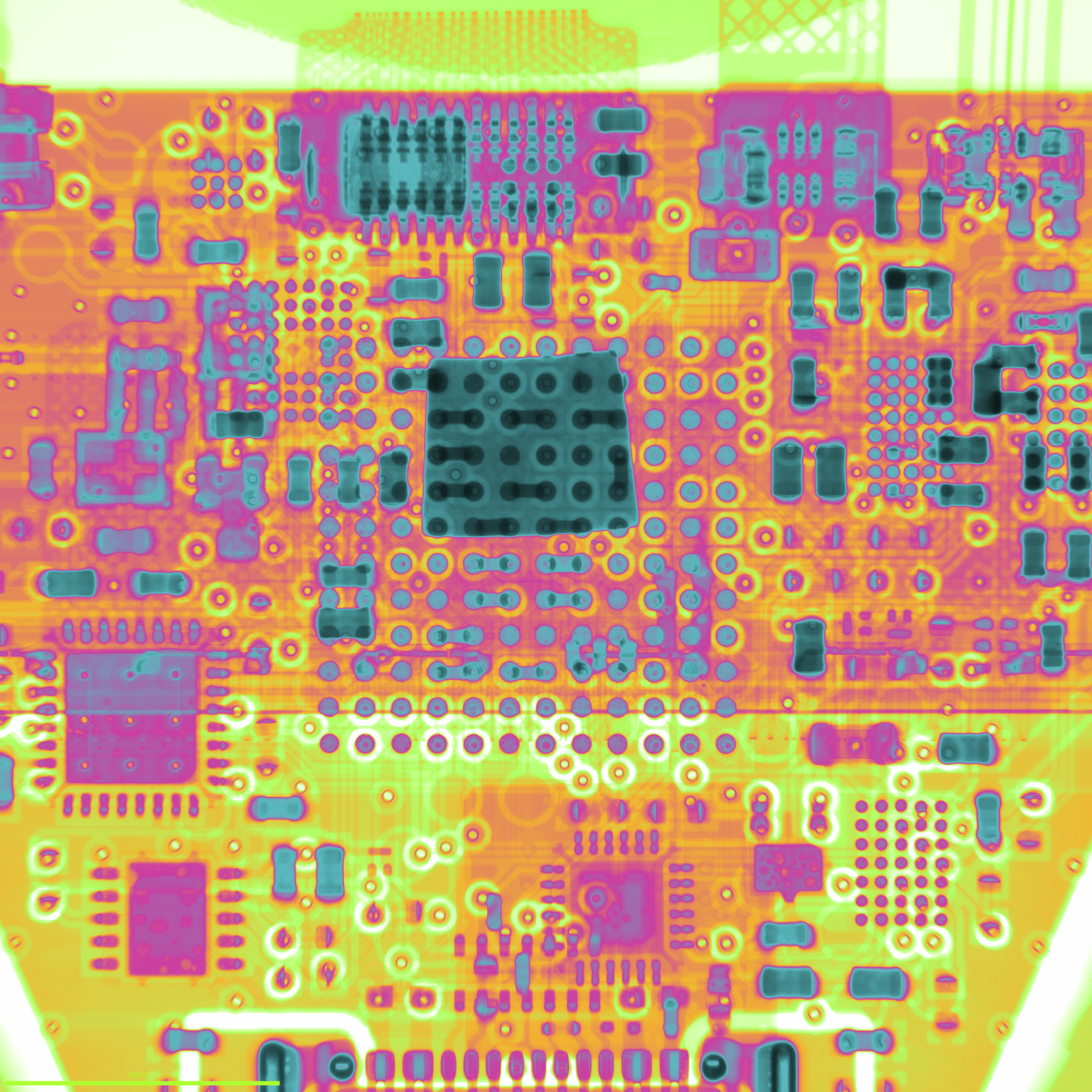
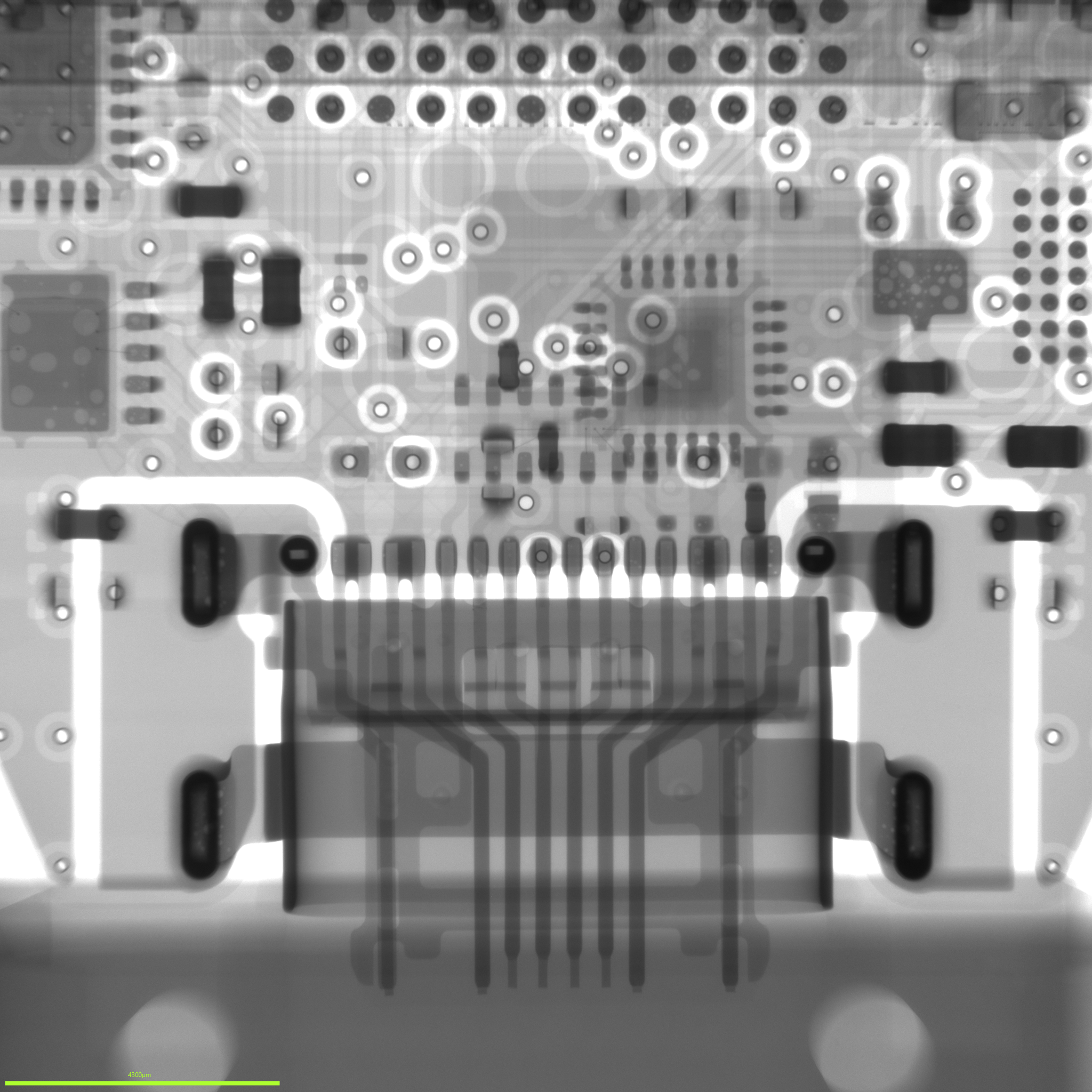
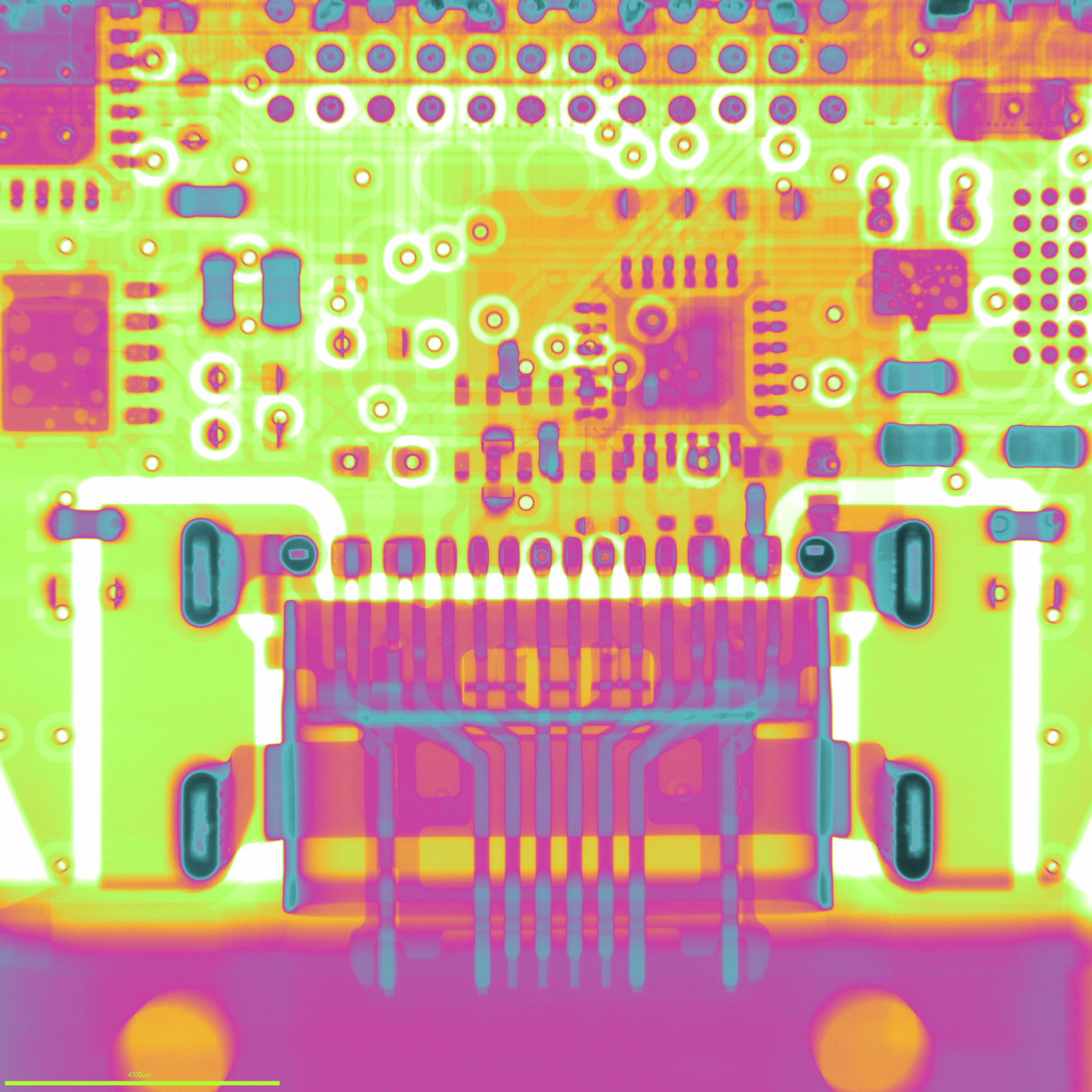
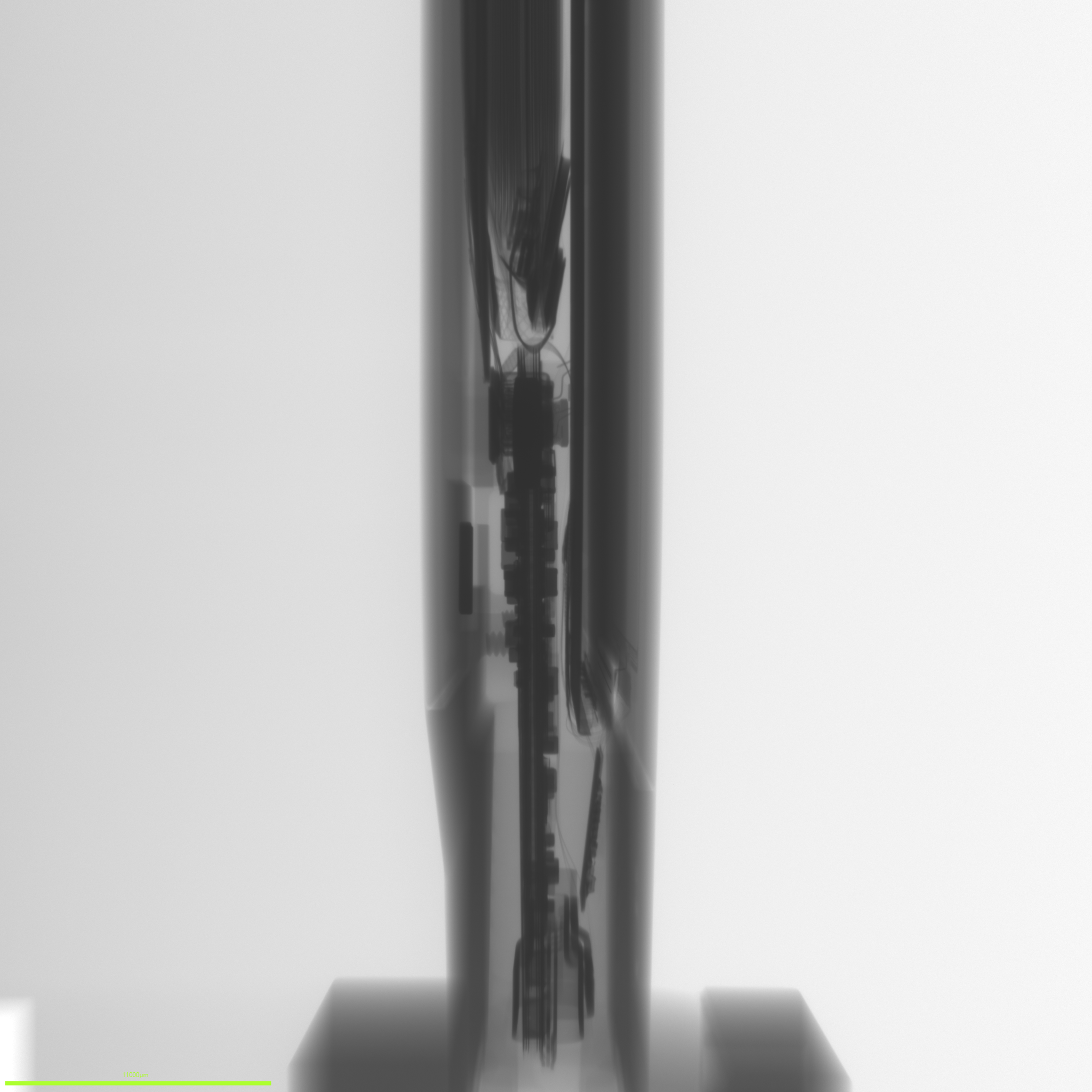
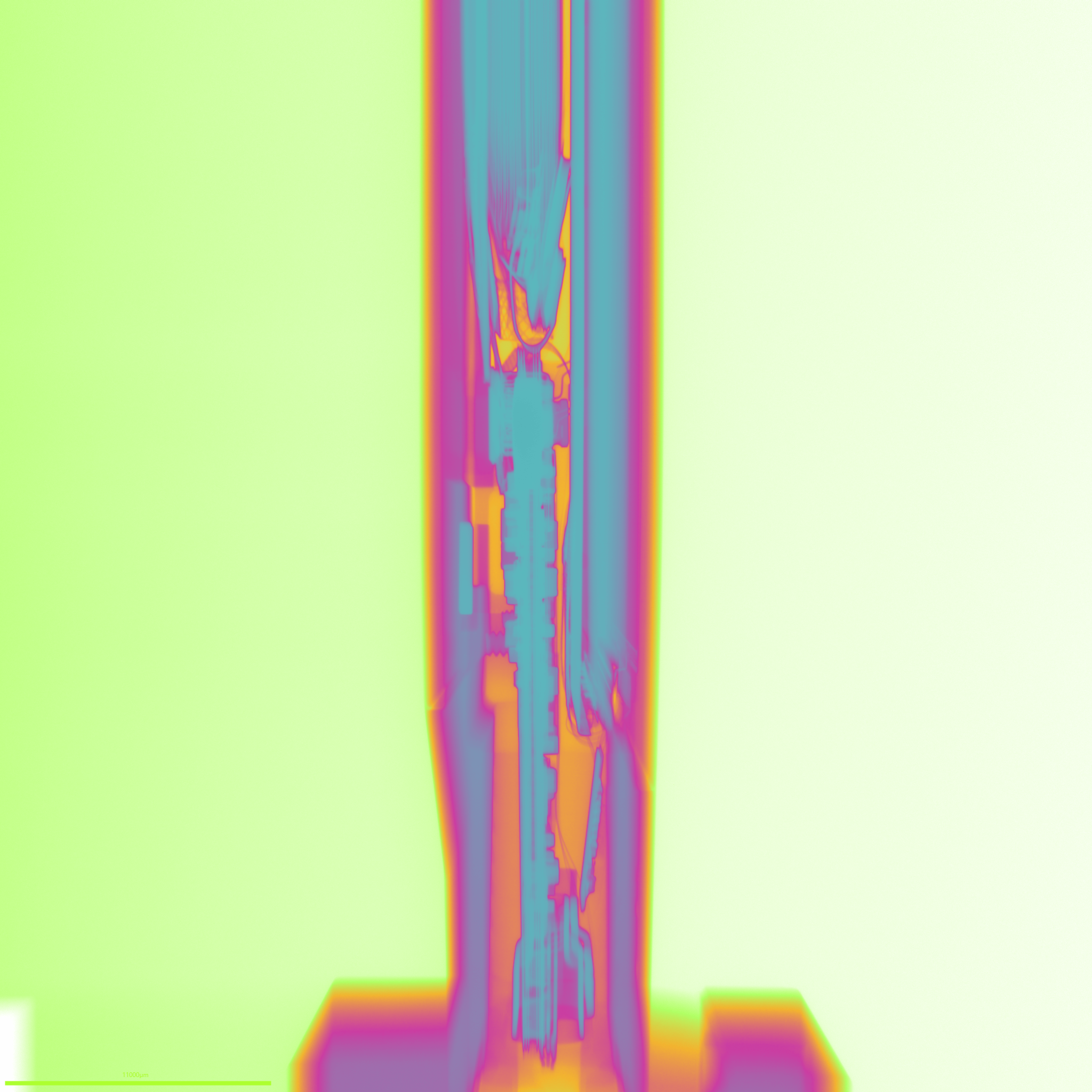
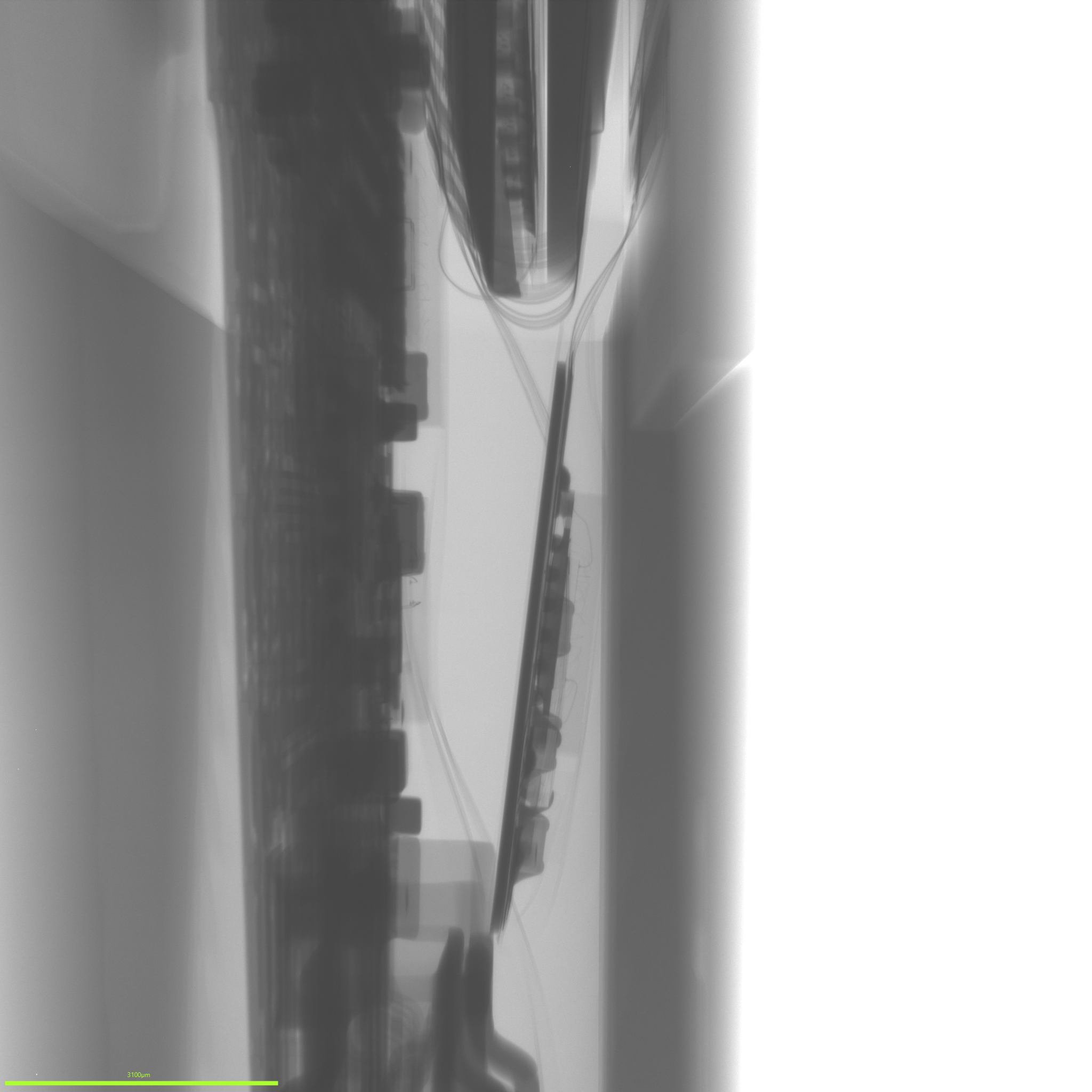
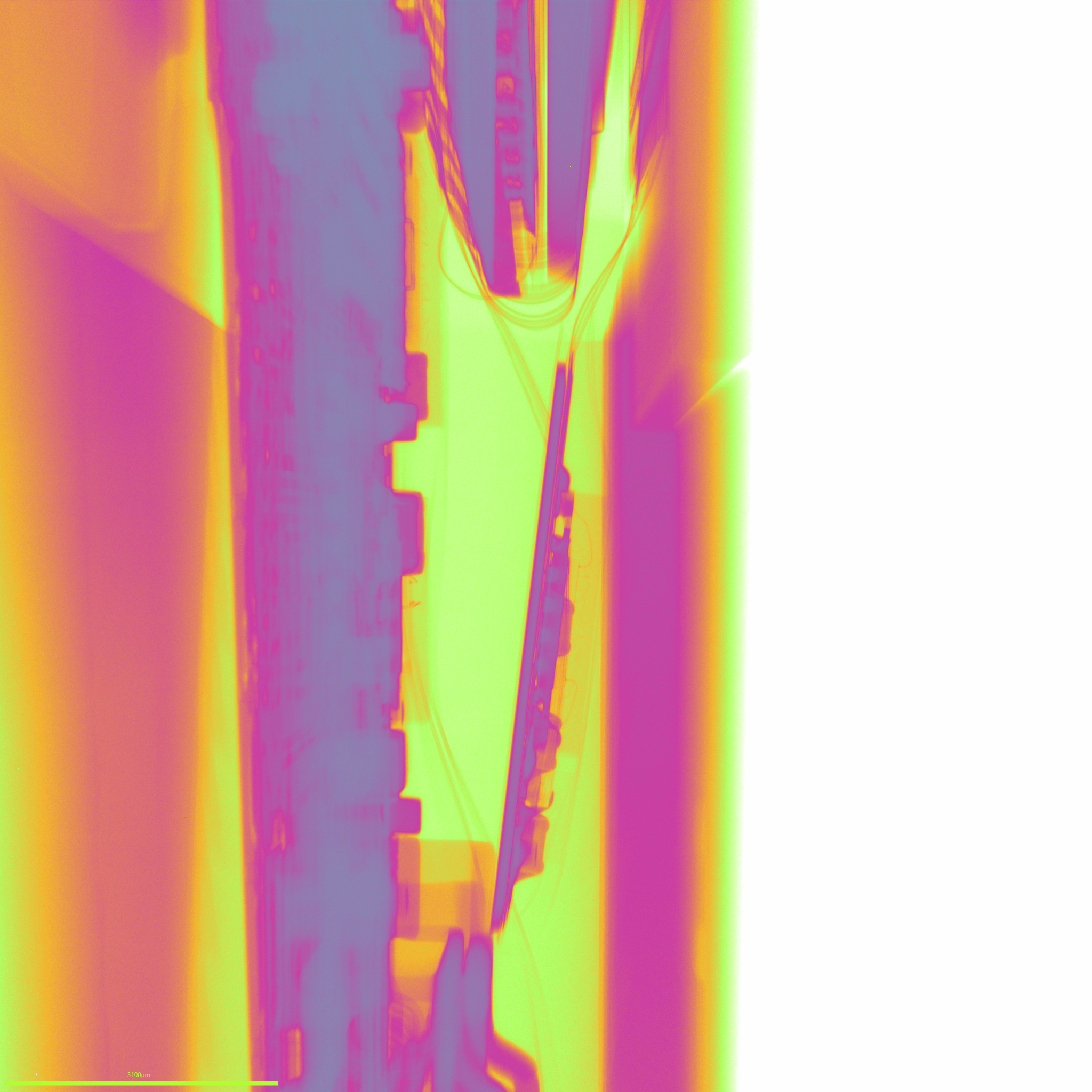
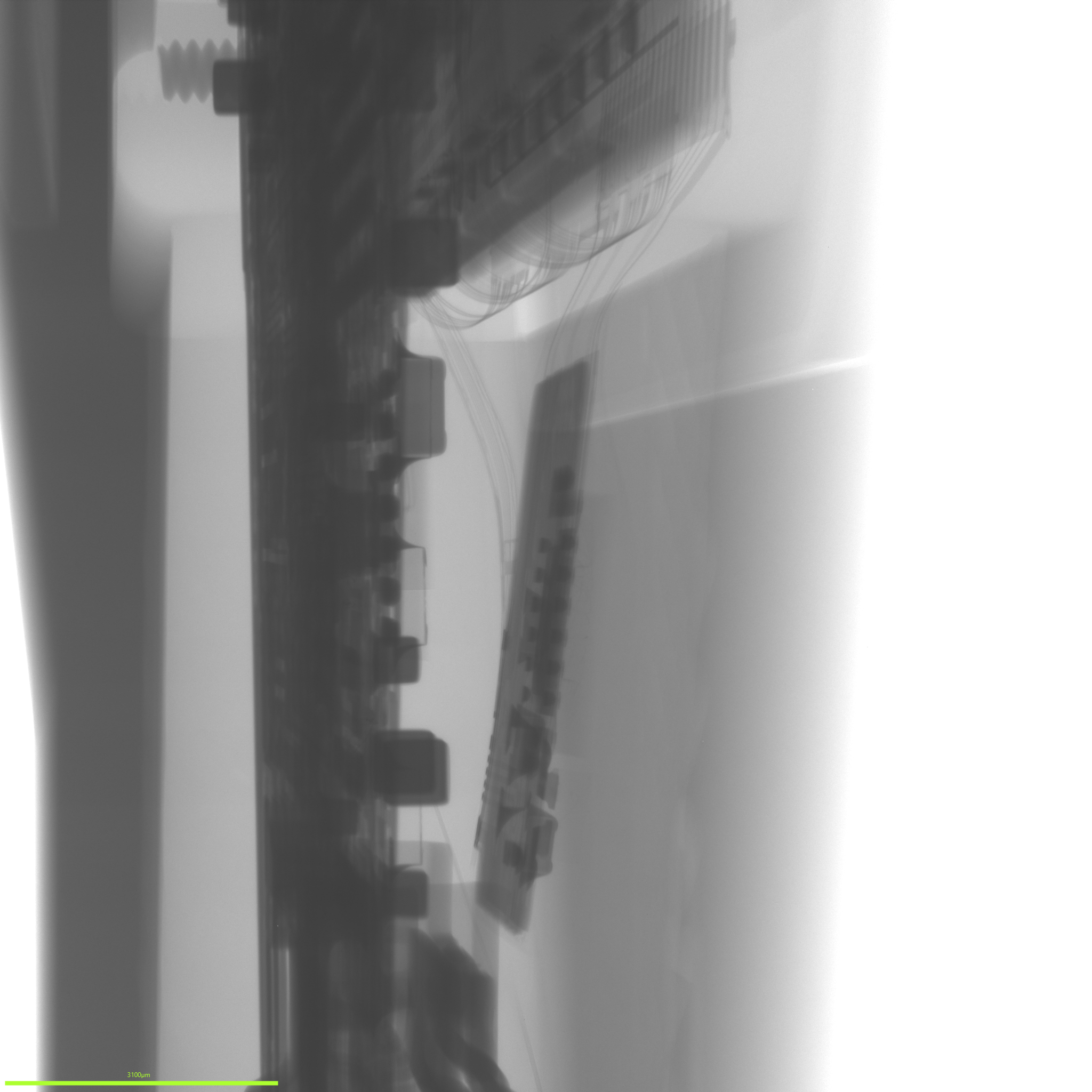
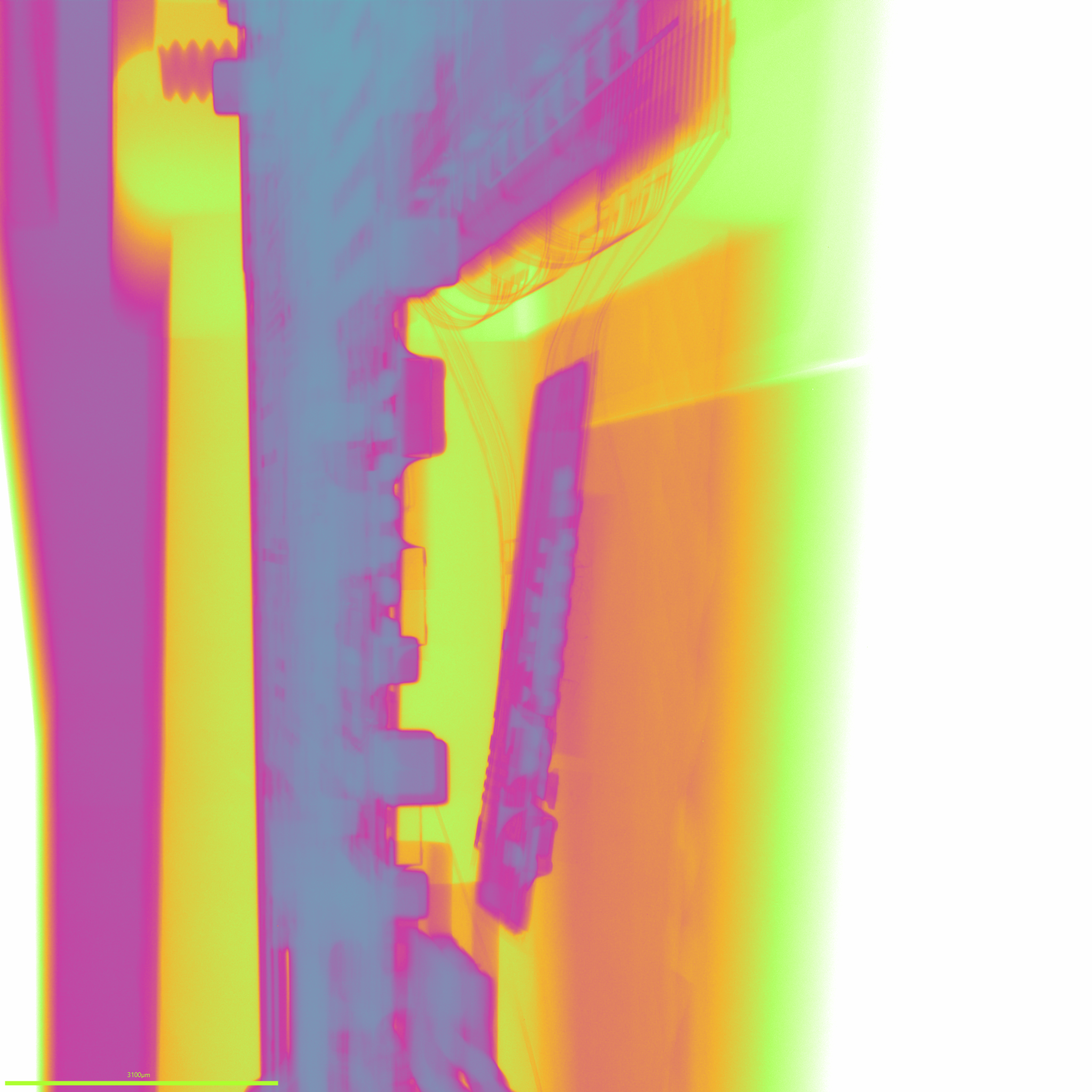
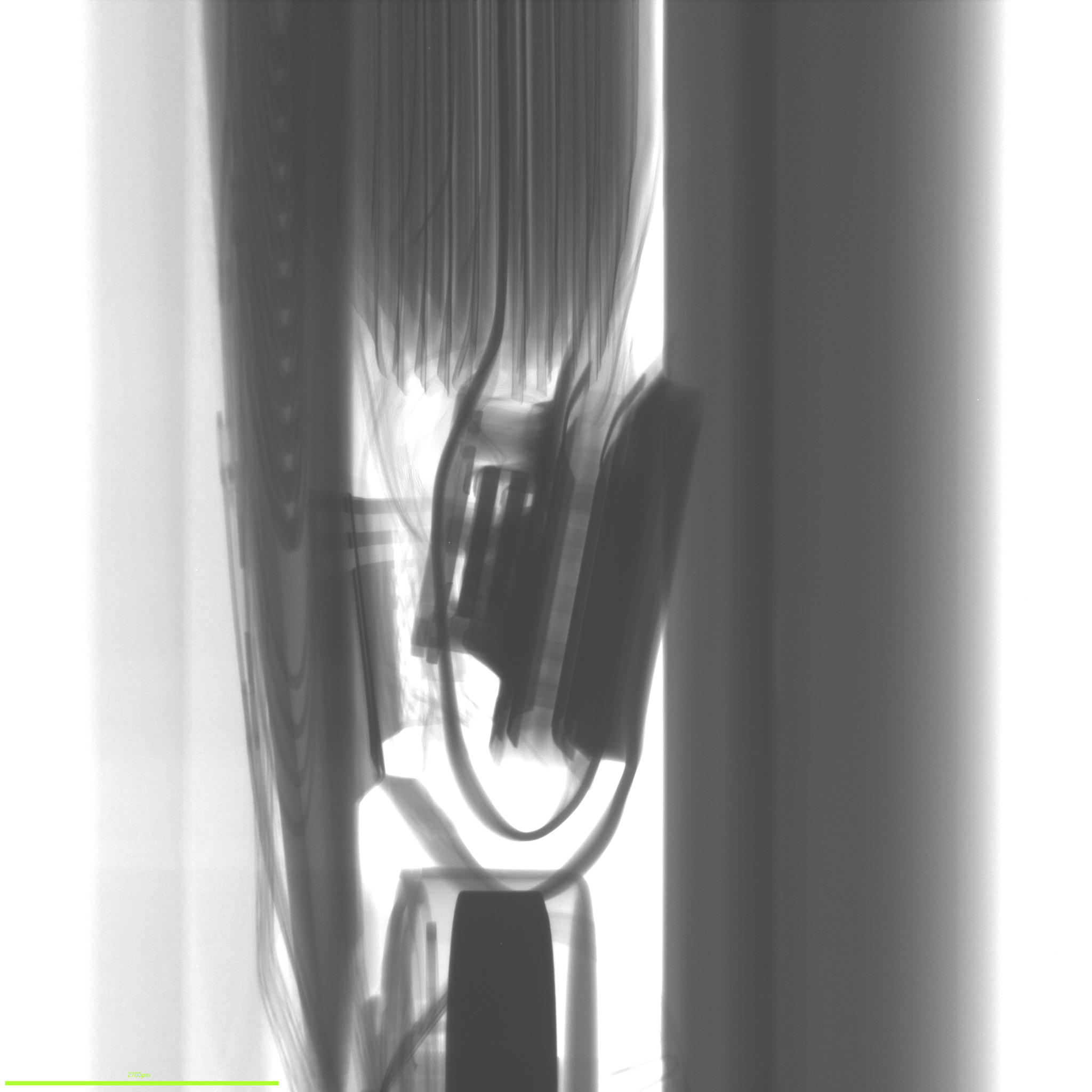
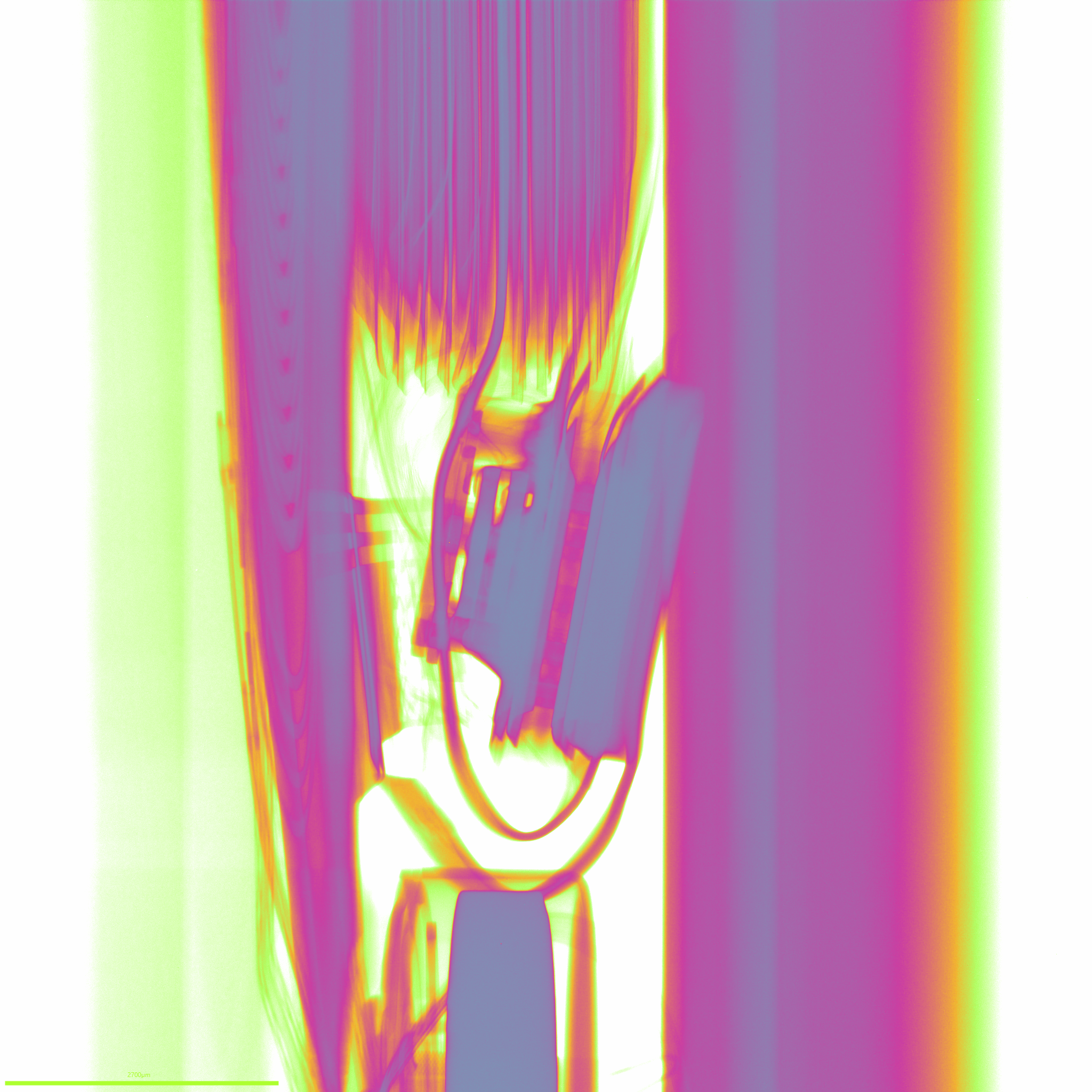
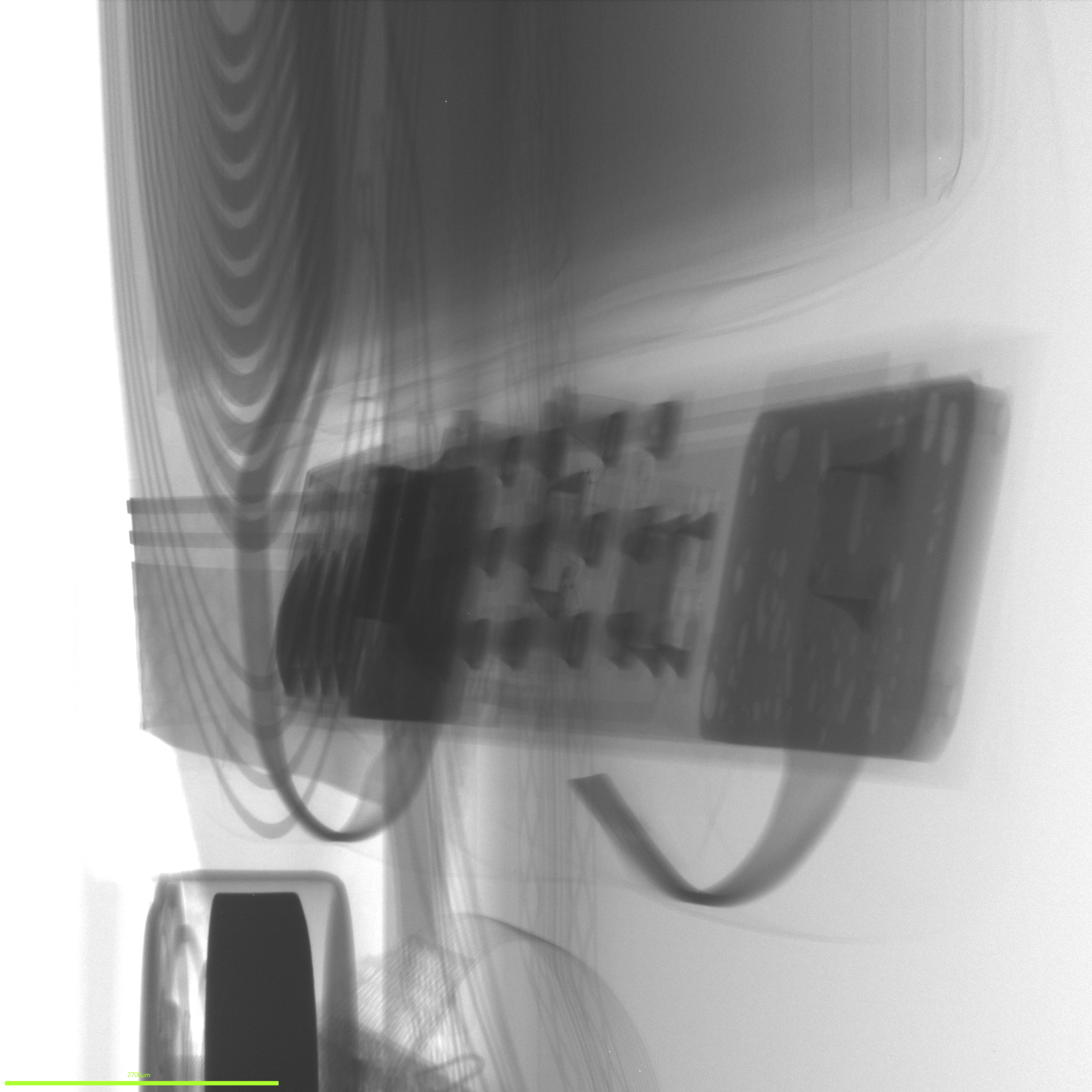
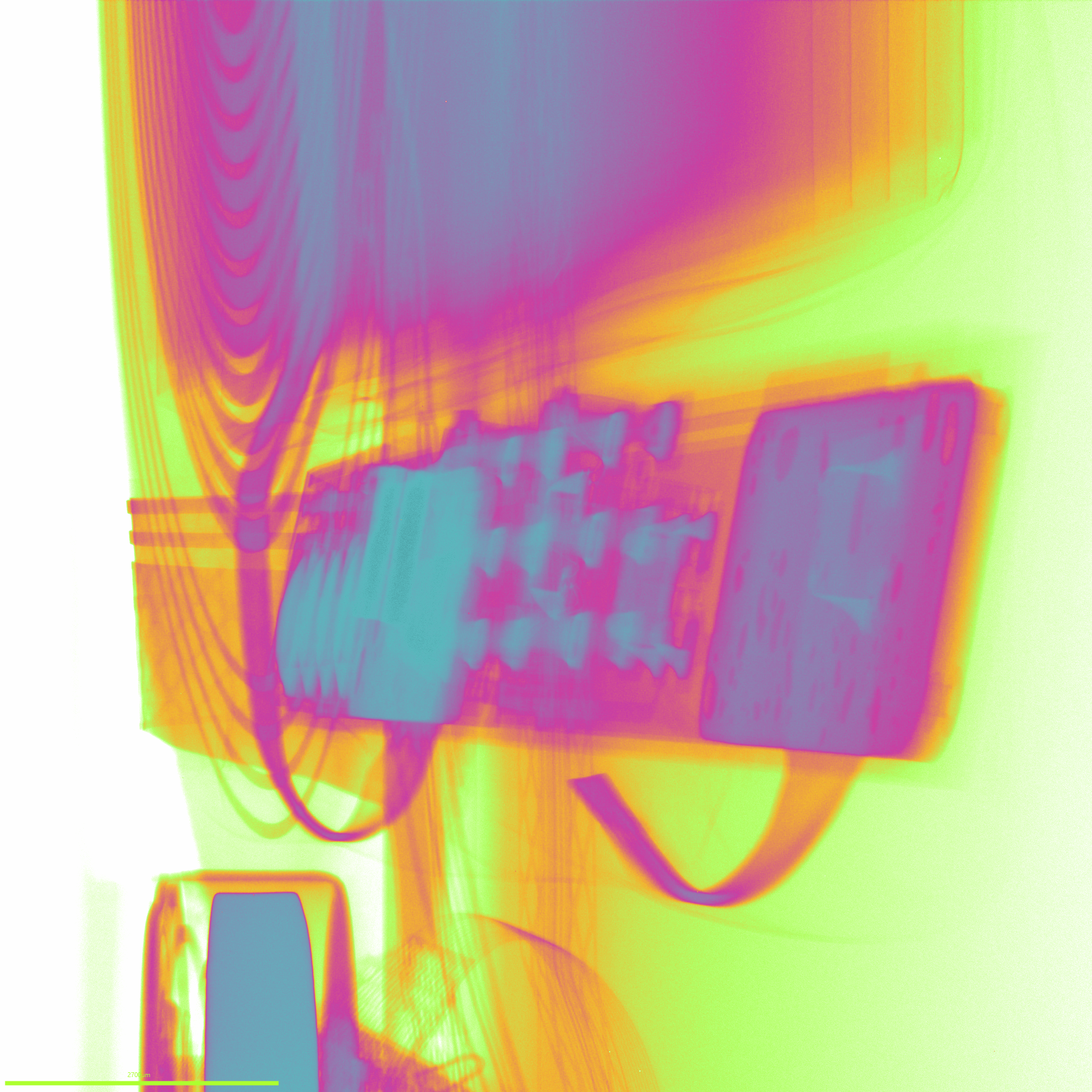
With the Trezor in the scanner we were able to capture 2D X-ray images showing its internal components without opening the device. I was quite pleased with how much detail showed up. We can even see the bond wires inside some of the chips. Below are the images we captured.
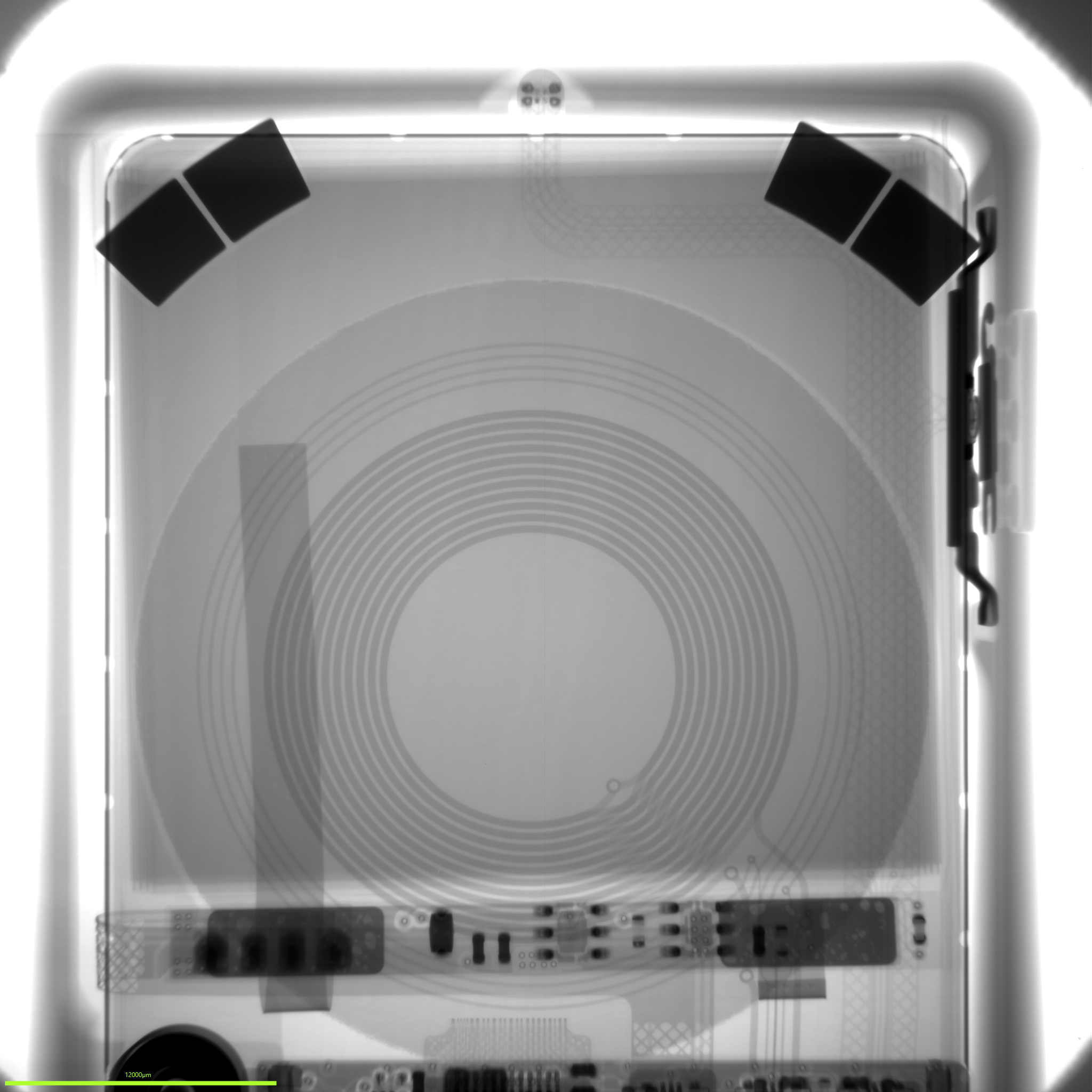
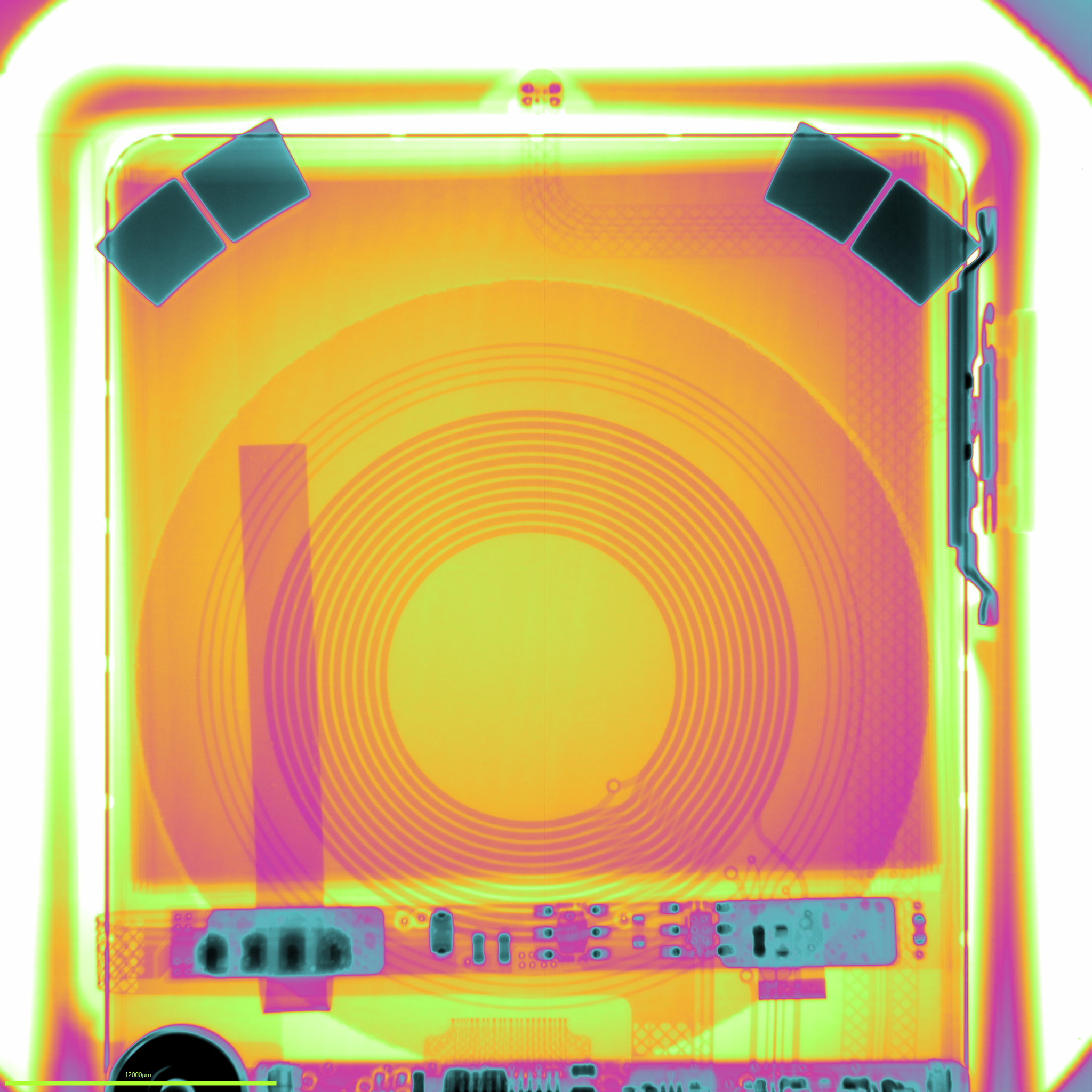
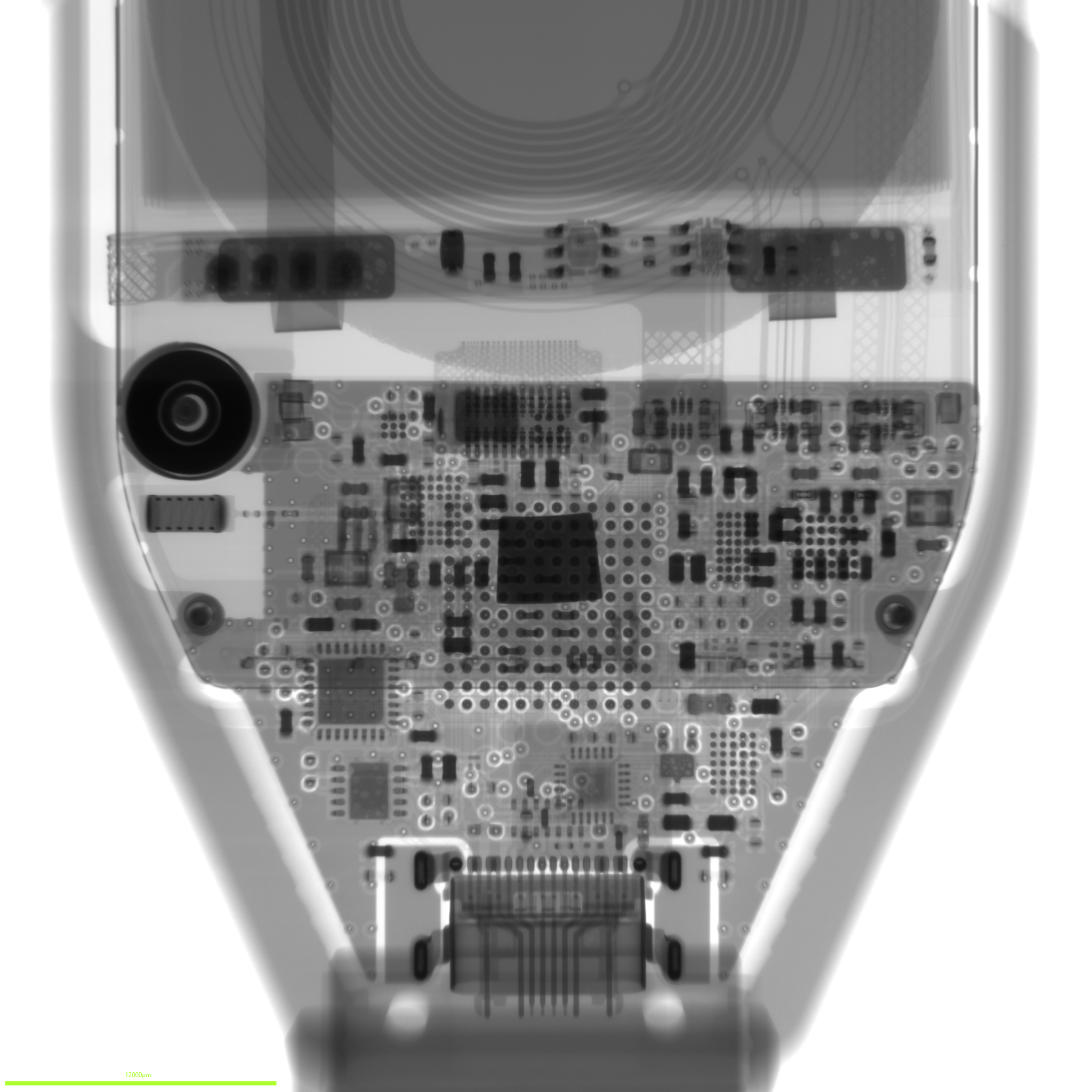
Looking at what was inside
To work out whether anything looked out of place I compared the images with David Veksler's Trezor Safe 7 teardown on WalletRecovery.info. He had already taken one apart and photographed the board so I could see what the parts were supposed to look like without opening mine.
The chip positions and board layout matched those in David’s photographs. I found no obvious additional components in the X-ray images.
David's photographs were especially helpful because they gave me something to compare the X-rays with. His teardown shows one board revision so other versions may have slight differences.
My Trezor also passed the firmware check. Firmware is the software running on the device and Trezor checks that it is officially signed and hasn't been altered
Trezor also uses factory issued certificates and cryptographic signatures to check that its security chips are genuine. That helps verify the original hardware but does not by itself rule out an implant being added alongside it.
I wouldn't claim that the X-rays prove every chip is genuine or that I couldn't have missed a modification. Threats keep evolving and I wanted to look at the physical hardware rather than rely entirely on the software checks.
I bought mine directly from Trezor and the component layout matched the teardown with no obvious additional hardware. Together with Trezor's checks that leaves me satisfied that my device is genuine and gives me no reason to think it has been modified.
Thank you to Ivan Barker and Surface Science Western for helping with the imaging and to David Veksler for publishing his teardown photographs.